
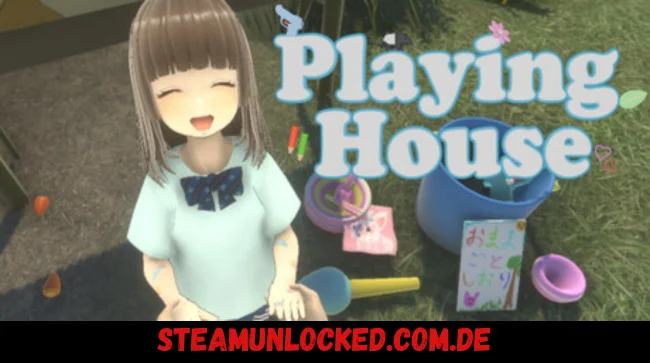
So the story kicks off with this dad, Haruma, spending a quiet holiday at the park with his daughter, Naori. Seems wholesome, right? But then weird stuff starts happening, and that simple day out turns into something way more intense and emotional. Your main goal? Complete the holiday mission called “Playing House” with Naori — it’s basically a pretend game where she acts like an adult, and you play along as her dad. Sounds cute, but things aren’t as simple as they look. You experience everything from Haruma’s first-person perspective, going through different “chapters” in the guidebook — like the Wedding Chapter, Pet Chapter, and more. Each one has its own tasks, mini-games and even surprise encounters with random intruders that try to ruin your day. It’s up to you to handle all of it and see Naori’s “special Playing House” story through to the end. You may also be interested link the game GlitchSPANKR
The game has two different endings, and getting both will take you about 4–6 hours in total. Oh, and you can change the language anytime by hitting the gear icon at the bottom left after starting. If you’re planning to record or stream, you’ll need Naori’s permission in-game first — but don’t worry, she’s sweet enough to usually say yes.
To unlock the second ending, you’ll have to complete specific conditions in each mission and make it to Mission 6. Once you’ve triggered all the right flags, just finish the mission like normal. You can even track your progress on the title screen next to the mission button. Both Naori and Maino are voiced by Touru Mito, adding a really heartfelt vibe to the whole experience. It is a strange, emotional little story that mixes innocence mystery and family in a way that really sticks with you.


0 Comments